Why this matters
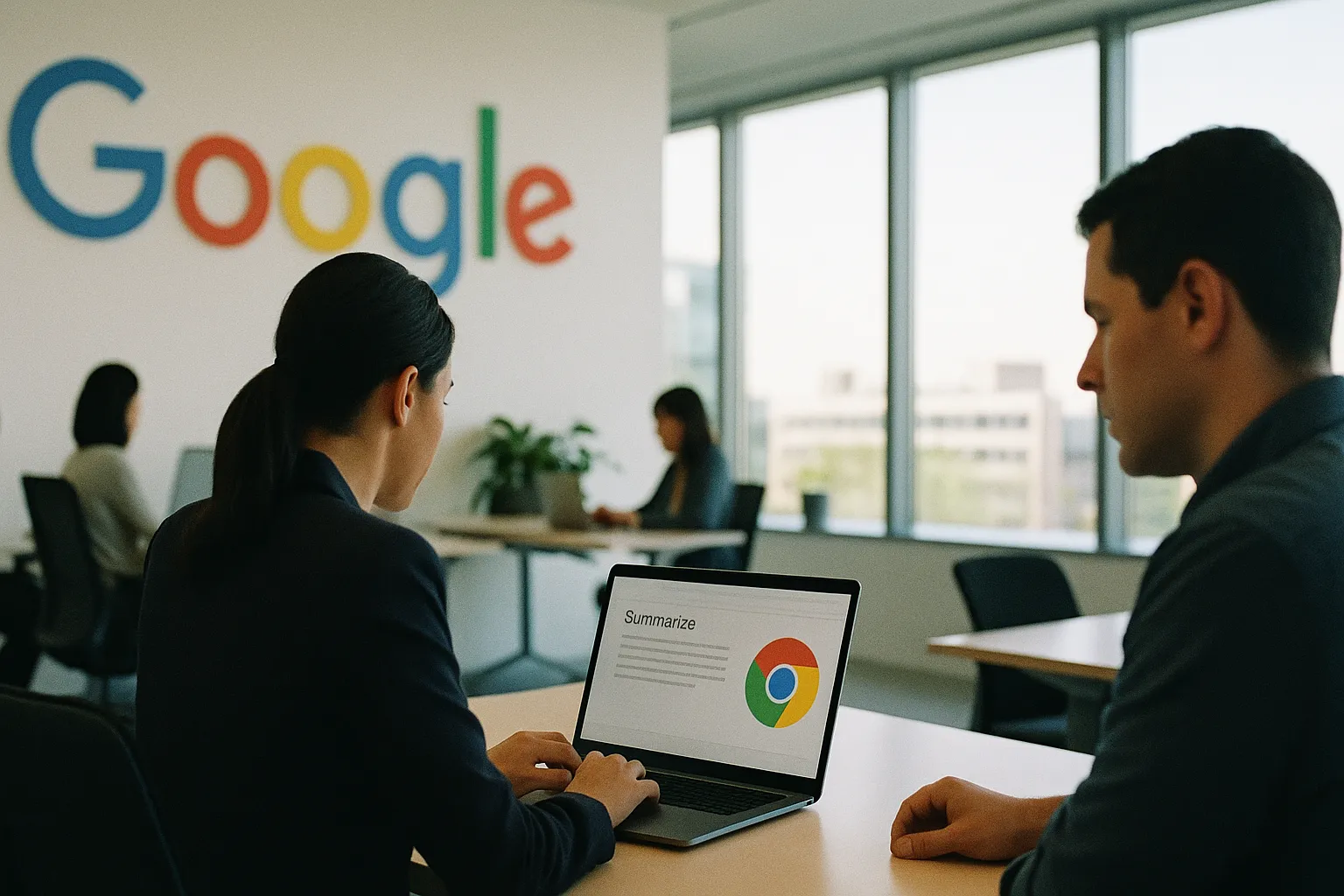
Google's new Chrome AI Skills feature lets users save and replay AI prompts with a keyboard shortcut — no extensions, no setup required.
Google Adds AI Skills to Chrome — Repeatable Prompts Triggered by Keyboard Shortcut
By Hector Herrera | April 14, 2026 | Business
Google has added a feature to Chrome called AI Skills that lets users save and replay AI prompts using a keyboard shortcut — no extensions, no developer setup, no subscription beyond what Chrome already provides. Rolling out globally starting today, it brings simple browser-level AI automation to anyone who uses Chrome.
Background
Chrome holds roughly 65% of the global browser market. Google has spent the last two years embedding AI features directly into the browser — tab summaries, writing suggestions, search improvements — but most have required manual invocation each time. AI Skills changes the model by letting users define reusable AI actions and fire them on demand.
How AI Skills Works
According to Wired, the feature works like a macro recorder for AI prompts:
A user opens the AI Skills panel inside Chrome
They write a prompt — for example, "Summarize this page in three bullet points" or "Extract all product names from this article"
They assign it a keyboard shortcut
From that point on, pressing the shortcut on any webpage fires the prompt against the current page content and returns a result
No extension required. The feature is native to Chrome and works across any webpage the browser can render.
Who This Is For
The productivity gain is clearest for knowledge workers who repeat the same AI tasks across dozens of pages per day:
Get this in your inbox.
Daily AI intelligence. Free. No spam.
Researchers and analysts — summarize, extract, or compare content across multiple sources
Support and sales teams — standardize how they process inbound messages or product pages
Journalists and writers — pull quotes, translate copy, or reformat text with one keystroke
Executives — skim and summarize without leaving the browser
For these users, the friction of retyping the same prompt 40 times a day is real. AI Skills removes it.
The Competitive Picture
Microsoft Edge has been building AI-native features into its sidebar for two years, with Copilot deeply integrated into the browser experience. Google's move with AI Skills is a direct answer: bring equivalent automation to Chrome's much larger user base without requiring users to change browsers.
The strategic implication is lock-in. The more users build personal AI Skill libraries inside Chrome, the higher the switching cost to any other browser. It's the same dynamic that made browser bookmarks sticky in the 2000s, but with more utility.
Third-party AI extensions — built on top of ChatGPT, Claude, or Perplexity — could see user migration toward native browser tools that don't require managing API keys or extension permissions.
What to Watch
The immediate question is capability depth. AI Skills as described are prompt-based — they work against page content that's already loaded. More powerful would be skills that can interact with page elements (fill forms, click buttons, navigate flows) — which would make Chrome a genuine RPA (robotic process automation) tool for non-technical users. Watch for whether Google expands AI Skills into action-based automation in subsequent updates.
Also watch Microsoft Edge's response time. Features like this rarely stay platform-exclusive for long.
Hector Herrera is an AI systems architect and the founder of Hex AI Systems. He designs and runs AI systems in production and writes daily about how AI is reshaping business, government and everyday life. 20+ years building for the web. Houston, TX.